Checkout Legibility Benchmarks: Typography Choices That Reduce Payment Friction
A typography benchmark for checkout flows, focusing on totals, field labels, trust signals, and error recovery rather than decorative conversion tricks.
- Defined typography checkpoints for checkout flows where clarity has direct impact on completion and confidence.
- Separated high-value emphasis patterns from noisy treatments that increase visual urgency without increasing trust.
On this page
Checkout typography is not a branding side quest. It affects whether users understand pricing, recover from errors, and trust the final confirmation state. Most checkout teams already optimize forms and payment methods; fewer review the reading load created by labels, totals, disclaimers, and status messages.
The surfaces that matter most
Order summaries, promo-code states, billing forms, and inline validation deserve the most scrutiny. These surfaces contain compressed information and often sit next to urgent actions. If the typography is too light, too small, or too visually busy, users slow down exactly where they need confidence.
The benchmark is not whether the flow looks premium. It is whether users can answer three questions instantly: What am I paying? What do I need to fix? What happens next?
Benchmark table
| Surface | Typography goal | Risk if weak |
|---|---|---|
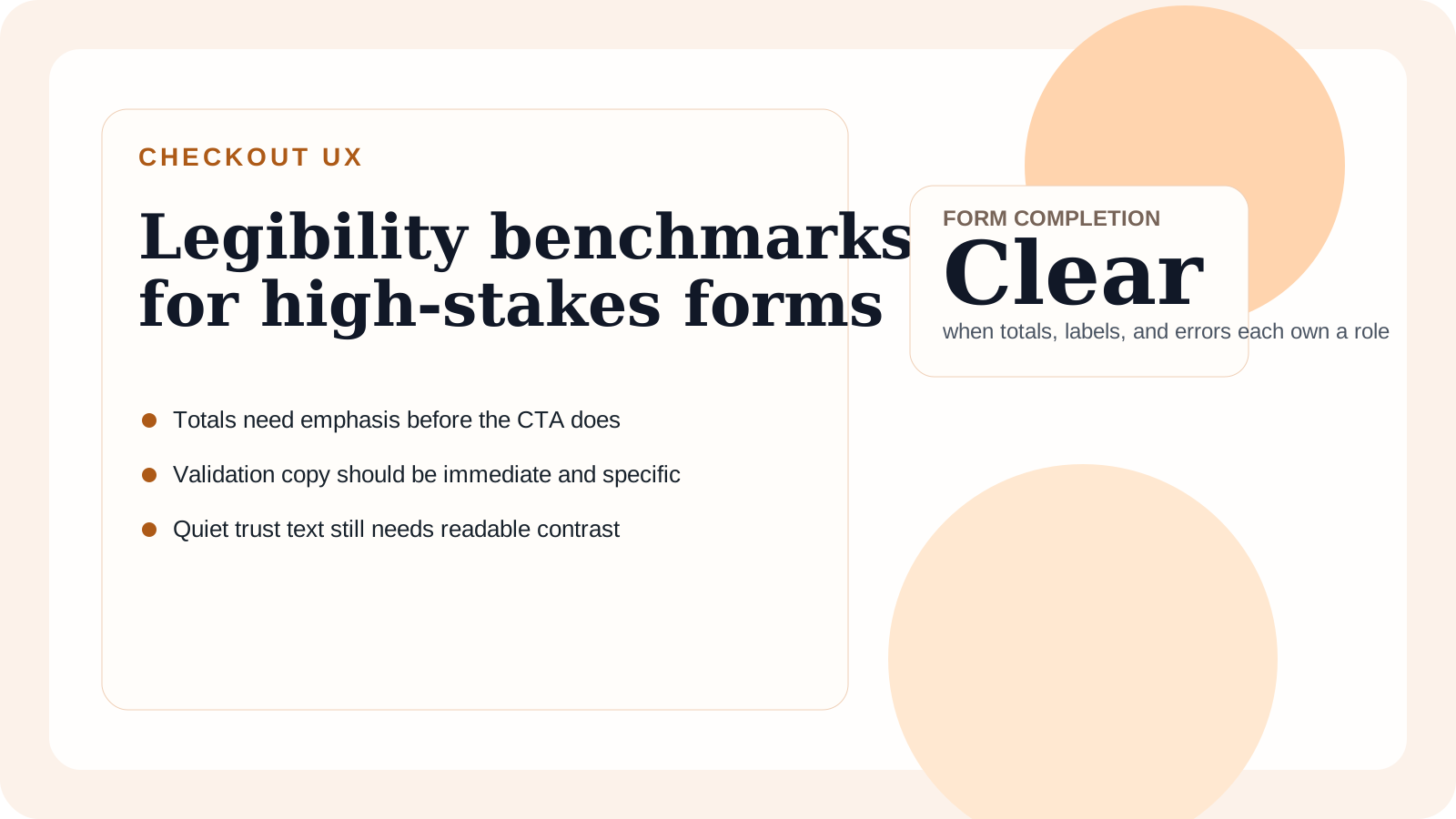
| Order total | Highest emphasis after page title | Users miss final price changes |
| Field labels | Calm, consistent, and close to inputs | More scanning and more avoidable errors |
| Validation copy | Immediate, specific, and high contrast | Users re-read the whole form |
| Security and trust text | Quiet but readable | Confidence drops near submission |
Notice that none of these roles require dramatic styling. They require disciplined hierarchy and spacing.
Common overcorrections
Teams sometimes respond to low conversion by making the CTA larger while leaving the rest of the flow ambiguous. That can increase click intent without reducing hesitation. Another mistake is burying important explanatory text in soft gray because the design wants the page to feel clean. In checkout, "clean" should never mean "easy to overlook."
Use emphasis for price, next-step clarity, and confirmed success states. Use restraint everywhere else. That balance helps the eye move predictably.
Recommendation
Benchmark legibility by task completion, not aesthetic preference. If the checkout flow remains calm and readable under stress states such as invalid cards or tax recalculation, the typography system is doing real work. Clear typography does not merely support conversion; it reduces doubt.
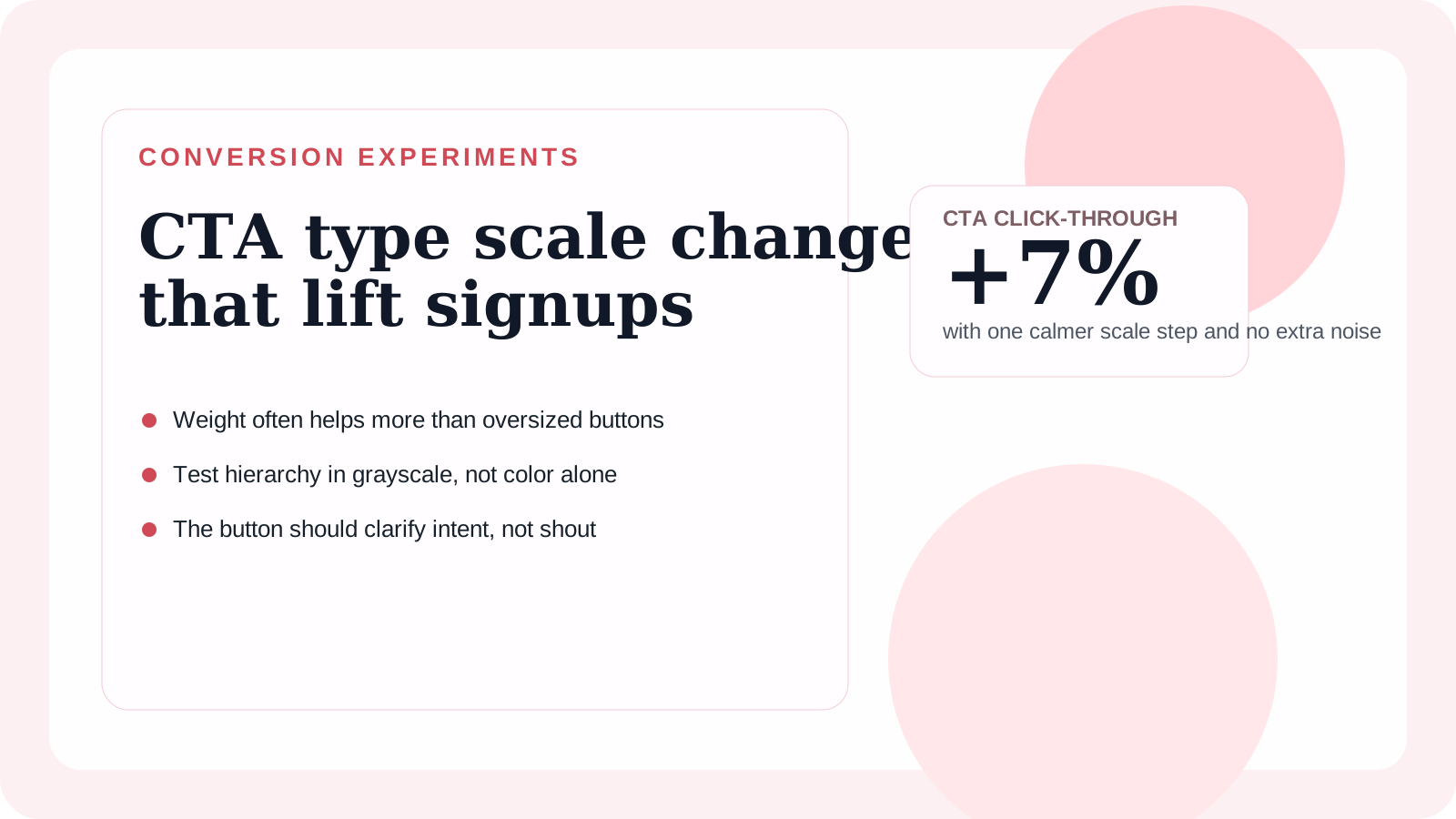
For teams tuning the final action style, CTA type scale test covers when a larger call-to-action actually helps and when it simply adds noise.