Multilingual RTL Layout Tests: Typography Checks for Arabic and Hebrew Interfaces
A focused checklist for right-to-left typography in product UI, covering mirrored layout behavior, numeral handling, and component-level spacing risks.
- Organized RTL typography checks around component behavior rather than abstract locale support statements.
- Highlighted the interaction between mirrored layout, numerals, and emphasis styles in Arabic and Hebrew interfaces.
On this page
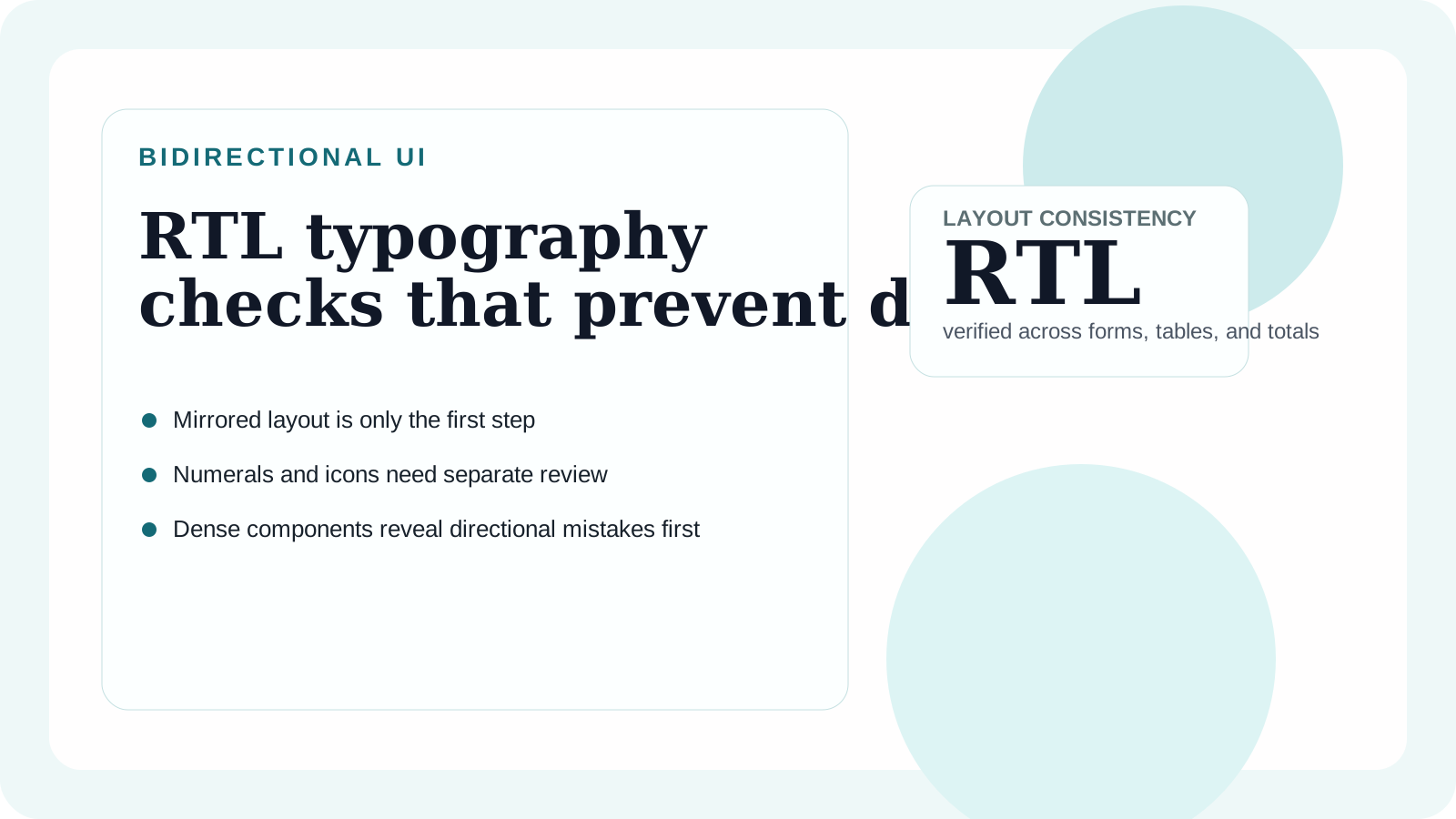
Right-to-left support is often treated as a layout switch, but typography problems usually surface after the containers are mirrored. Text alignment, numeral placement, emphasis styles, and icon adjacency all change the reading rhythm. If those pieces are not reviewed together, an interface can be technically localized while still feeling unstable.
Where RTL typography breaks first
Navigation bars, breadcrumbs, data tables, and checkout summaries reveal issues fastest because they mix directionality with short, high-importance text. Labels may align correctly while embedded numerals or Latin product names create awkward visual jumps. Buttons can also feel unbalanced when icons remain on the wrong side after mirroring.
Paragraph copy is rarely the only challenge. The more important question is whether the system preserves emphasis and order in dense component states.
Component-level checks
| Component | What to test | Typical failure |
|---|---|---|
| Navigation and breadcrumbs | Mirrored icon placement and separator direction | The layout flips but the reading cue does not |
| Tables and analytics | Mixed Arabic/Hebrew text with Latin numerals | Numeric columns feel disconnected from labels |
| Forms | Placeholder alignment and validation placement | Error text collapses into the input edge |
| Checkout summaries | Price emphasis and line wrapping | Totals lose hierarchy when numerals dominate |
These are not merely translation bugs. They are typography and spacing failures that affect confidence and task completion.
A reliable test method
Create one mirrored sandbox page with tables, forms, chips, tags, metrics, and mixed-language names. Then review it on desktop and mobile with real content length, not placeholder lorem ipsum. Long city names, mixed-script invoice labels, and narrow card widths are what expose spacing weaknesses.
Also verify that your semantic type roles still make sense in RTL. A left-aligned quiet label token may need a mirrored variant, and a badge treatment that looked balanced in English may feel cramped once the label expands.
Recommendation
Treat RTL typography as a system test, not a translation milestone. The goal is to preserve confidence, reading order, and emphasis across real components. When that happens, the interface feels intentionally localized instead of mechanically mirrored.
For teams standardizing multilingual QA, multilingual CJK + Latin pairing systems is a useful companion because both articles share the same principle: evaluate type where interface complexity is highest.