Serif vs Sans-Serif: How to Choose the Right Typeface Style
Compare serif and sans-serif typefaces across readability, tone, accessibility, and use cases so you can choose the best style for any project.
- Compared serif and sans-serif choices through the lens of interface clarity, editorial tone, and implementation practicality.
- Organized the tradeoffs by context so readers can choose based on use case rather than type classification alone.
On this page
Serif vs Sans-Serif: How to Choose the Right Typeface Style
One of the most common typography decisions is whether to use a serif or sans-serif font. The right answer depends on your content, your audience, and the experience you want to create.
In this guide, you'll learn the core differences between serif and sans-serif typefaces, where each performs best, and how to choose confidently for web, product, and brand design.
What Is a Serif Font?
Serif fonts have small finishing strokes ("serifs") at the ends of letterforms. These details create a traditional, editorial feel.
Popular examples include:
- Georgia
- Times New Roman
- Merriweather
- Garamond
Typical serif traits
- Classic, established, and formal tone
- Strong fit for long-form editorial content
- Helpful for brand voices that need authority or heritage
What Is a Sans-Serif Font?
Sans-serif fonts do not include decorative finishing strokes. Their forms are generally cleaner and more minimal.
Popular examples include:
- Inter
- Helvetica
- Roboto
- Open Sans
Typical sans-serif traits
- Modern, neutral, and approachable tone
- Excellent clarity at small sizes on screens
- Common in interfaces, SaaS products, and mobile apps
Serif vs Sans-Serif: Key Differences
1. Personality and Brand Tone
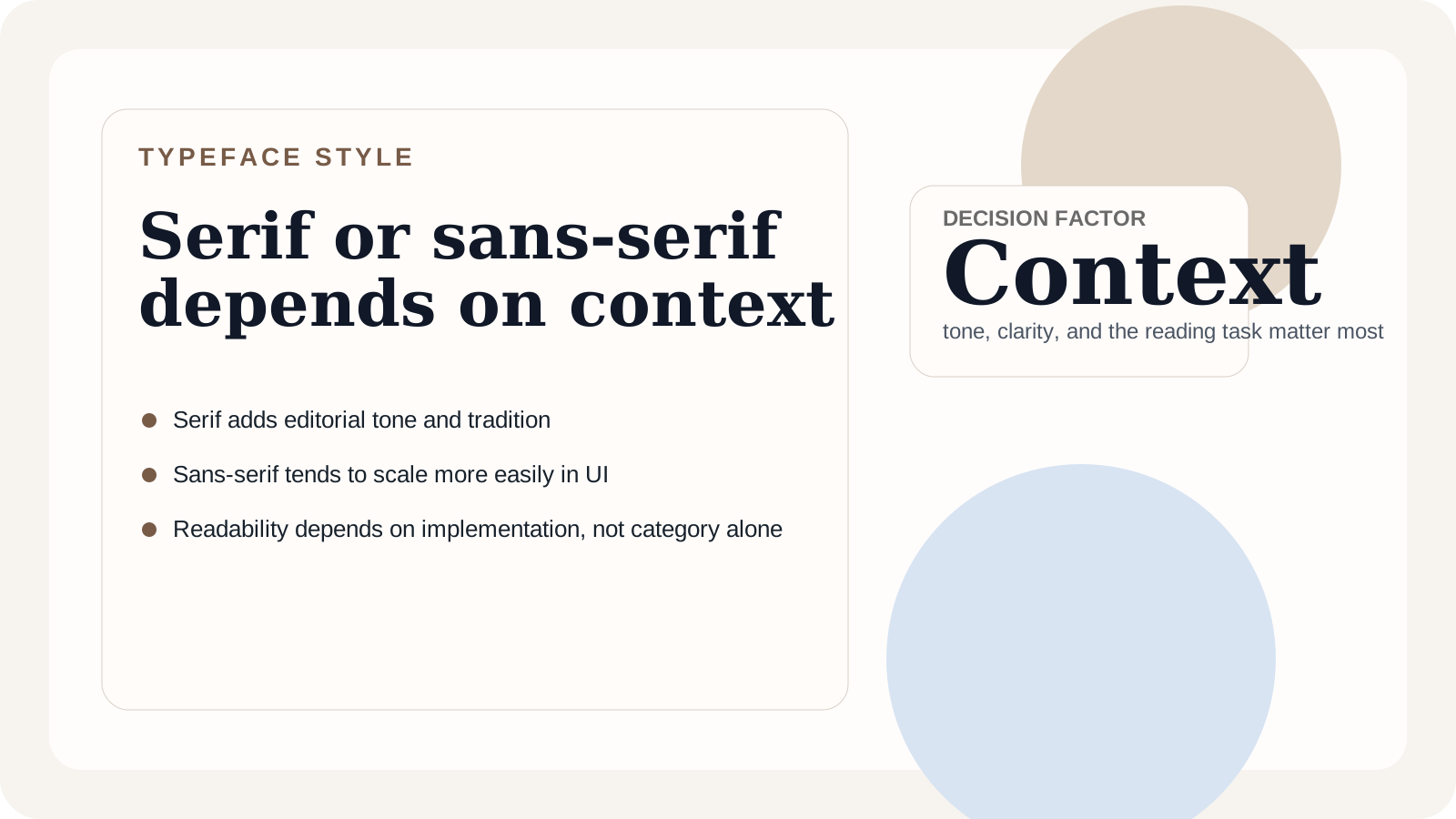
- Serif suggests tradition, trust, and sophistication.
- Sans-serif suggests simplicity, innovation, and utility.
Use this as a strategic brand choice, not just a stylistic one.
2. Readability by Context
- For digital UI and body text, sans-serif often performs better due to simpler shapes.
- For editorial layouts and print-like reading experiences, serif can improve rhythm and visual character.
Readability is influenced more by size, spacing, contrast, and line length than by classification alone.
3. Accessibility Considerations
Both styles can be accessible when implemented correctly. Prioritize:
- Adequate size (typically 16px+ for body text)
- Comfortable line height (about 1.4 to 1.7)
- Strong color contrast
- Clear letter differentiation (
I,l,1)
Avoid choosing a font solely because it's serif or sans-serif; judge the actual typeface performance.
4. Performance and Platform Fit
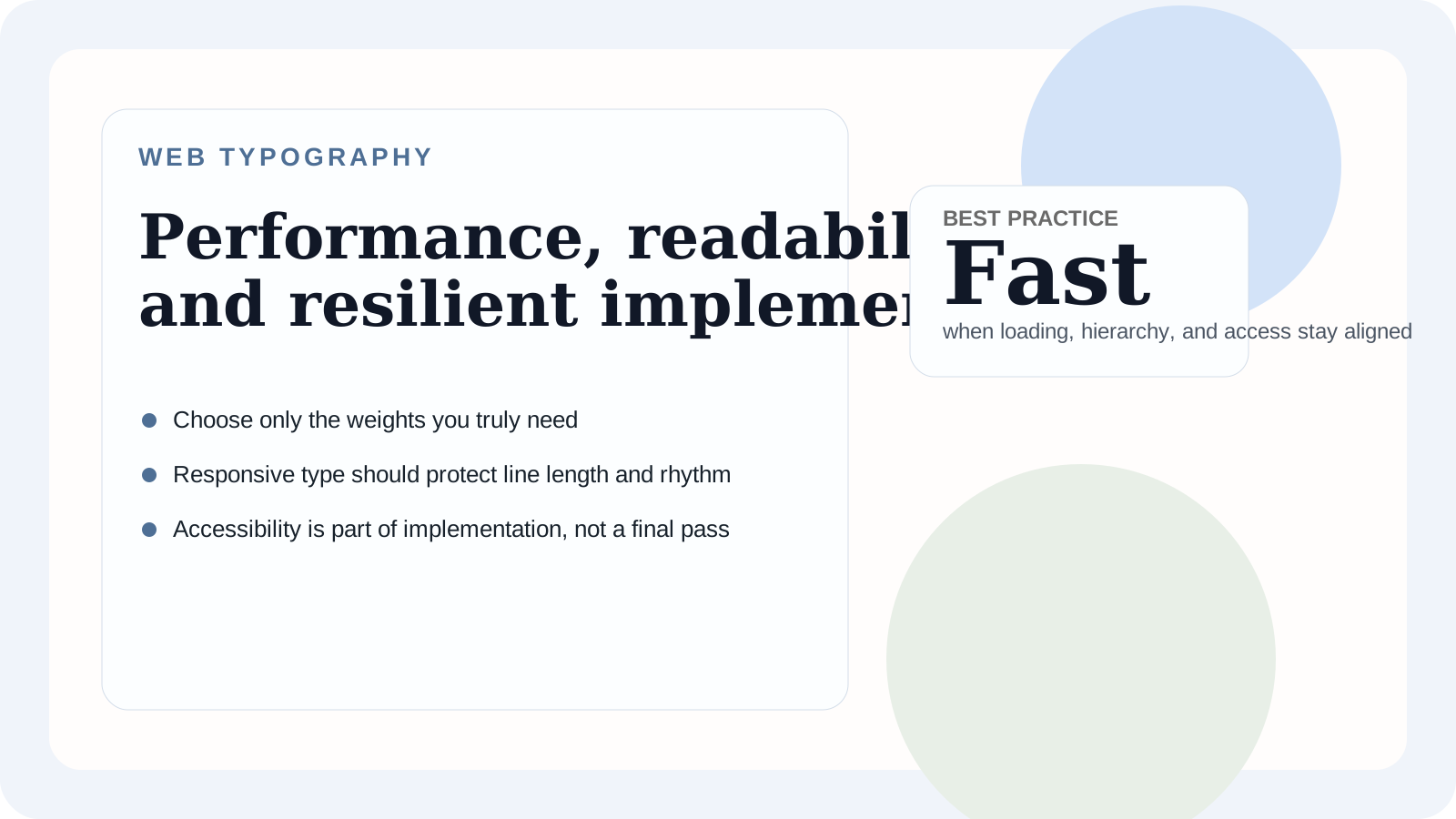
On the web, both serif and sans-serif choices can be fast when you:
- Use WOFF2 files
- Load only needed weights/styles
- Use
font-display: swap - Prefer variable fonts where appropriate
In product interfaces, sans-serif families are often easier to scale across many components and states.
When to Choose Serif
Serif fonts are a strong choice when you want to emphasize:
- Editorial quality
- Tradition or luxury
- Long-form storytelling
- Academic or institutional credibility
When to Choose Sans-Serif
Sans-serif fonts are ideal when you need:
- UI clarity across devices
- A contemporary brand aesthetic
- Dense information layouts
- Fast scanning and navigation
Best of Both: Pair Serif and Sans-Serif
Many strong systems combine both styles:
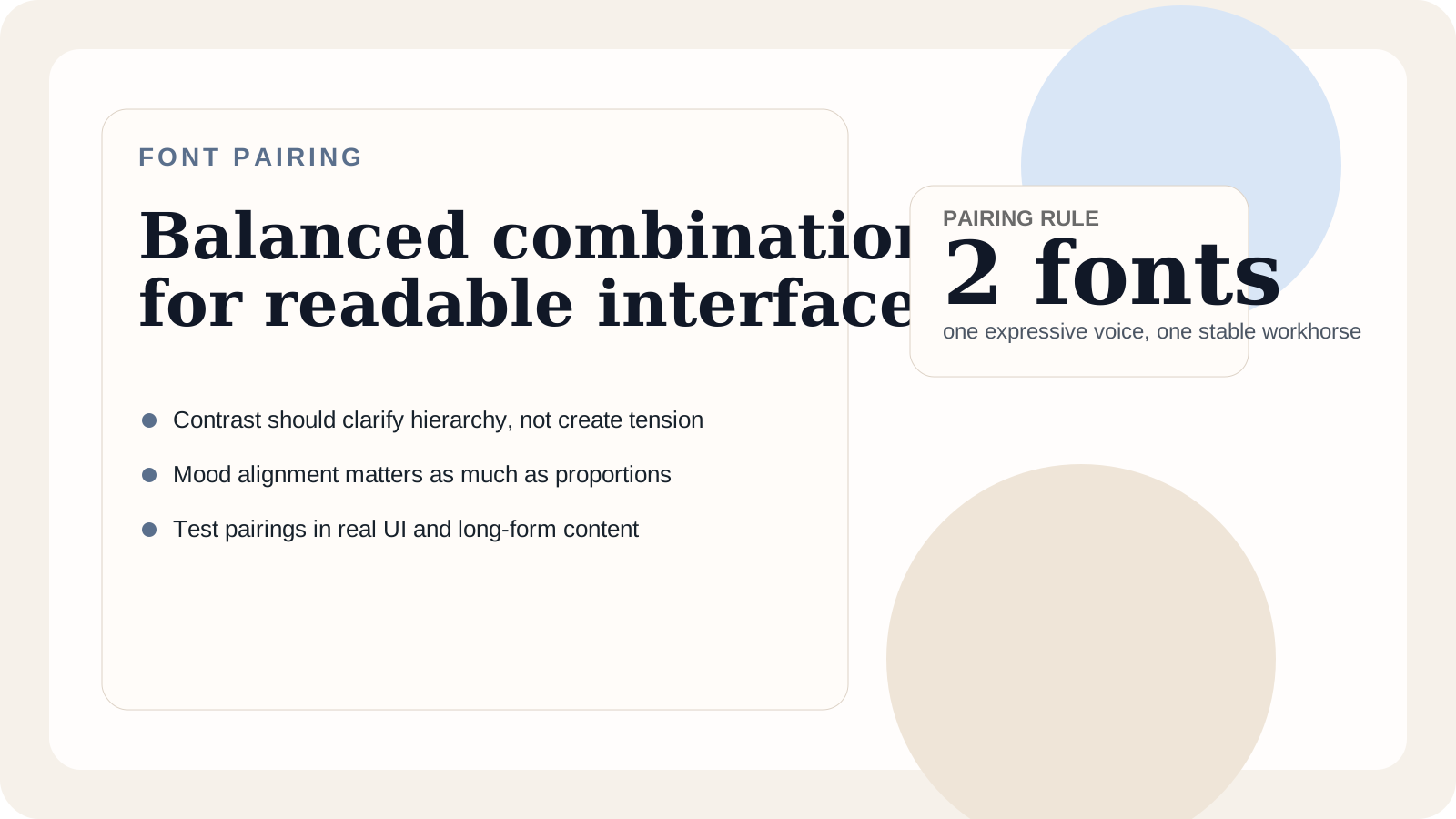
- Serif headline + sans-serif body for expressive marketing pages
- Sans-serif UI + serif accents for editorial personality
A two-font system often gives enough contrast without visual clutter.
Practical Decision Framework
Ask these questions before committing:
- What emotional tone should the design communicate?
- Is the experience reading-heavy, action-heavy, or both?
- Which devices and environments dominate usage?
- Does the chosen family include enough weights, italics, and language support?
- Does the typography remain clear in real content and at responsive breakpoints?
If uncertain, start with a highly legible sans-serif for body text and introduce serif selectively for emphasis.
Conclusion
The serif vs sans-serif debate isn't about declaring a universal winner. It's about choosing the right tool for your content and audience.
Pick serif when you need tradition and editorial tone. Pick sans-serif when you need clarity and modern utility. Combine both when your hierarchy benefits from contrast.
Test with real content, real devices, and real users—the best typography decision is always contextual.
If you want to take the next step after choosing a classification, read our font pairing guide to turn that decision into a working system.