Accessibility and Motion: How Animation Affects Type Legibility in UI
A practical look at how animation speed, direction, and blur treatments interfere with reading, plus a safer motion checklist for text-heavy interfaces.
- Mapped common motion patterns to specific typography risks such as tracking loss, delayed recognition, and hierarchy confusion.
- Translated reduced-motion guidance into concrete interface rules for text overlays, carousels, and live-updating panels.
On this page
Teams usually review motion for delight and brand tone before they review it for reading cost. That order is backwards on text-heavy screens. Animation changes how quickly users can lock onto words, preserve place in a paragraph, and understand which element carries the primary message.
Where motion hurts legibility first
The highest-risk patterns are moving text layers, scrolling marquees, blur-based transitions, and parallax sections where the background and copy travel at different speeds. Those treatments ask readers to decode both movement and language at the same time. Even if the transition lasts only a few hundred milliseconds, repeated exposure across a dashboard or landing page adds friction.
Text on top of motion-heavy media is another common failure point. Contrast may technically pass, but the shifting background destroys perceived stability. If the words matter, they should not compete with continuous visual activity behind them.
Motion patterns by risk level
| Pattern | Legibility risk | Safer alternative | Use case |
|---|---|---|---|
| Blur-in text reveal | High | Fade with slight translate | Hero introductions |
| Horizontal ticker text | High | Static summary plus optional motion below | Promotional banners |
| Card stagger animation | Moderate | Short upward fade with stable resting state | Lists and dashboards |
| Counter or metric update | Moderate | Animate the number only, not the label | Analytics modules |
| Accordion expand/collapse | Low | Respect reduced-motion and keep duration short | FAQs and settings |
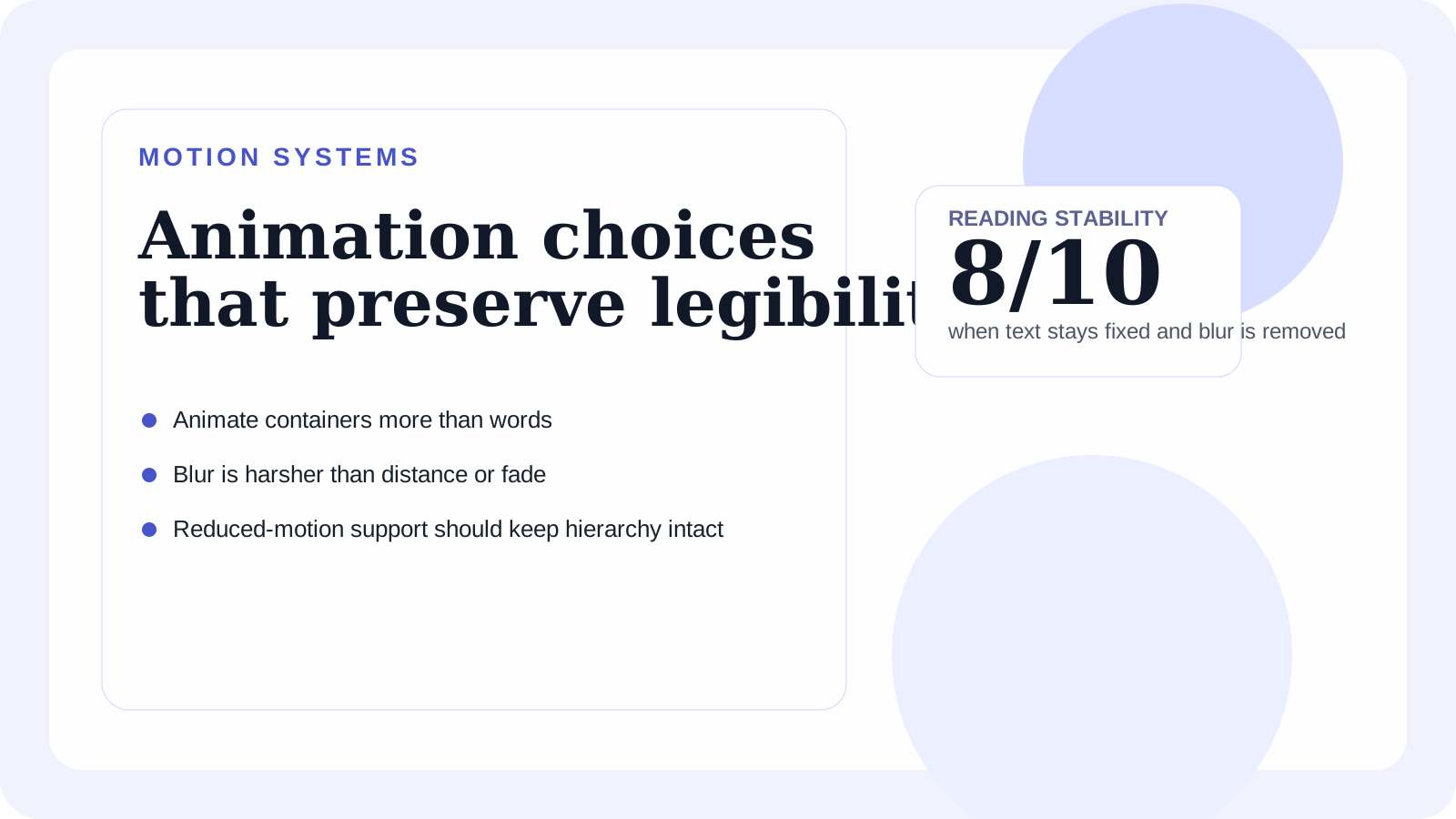
The safer rule is simple: animate containers more than words, and animate entry more than continuous movement.
A reliable review checklist
First, pause the interface halfway through each transition and ask whether the user can still identify the heading, body copy, and action. Second, test with reduced motion enabled at the operating-system level. Third, verify that the resting state is readable without relying on the transition to explain hierarchy.
If a component only feels clear once the animation completes, the component itself is weak. Typography hierarchy should already communicate order before motion is added. Motion can reinforce that order, but it should not create it from scratch.
Recommendation
When the screen contains real instructions, pricing, or form guidance, default to stable text and restrained container motion. Save expressive animation for decorative layers, ambient media, or moments where reading is secondary. Readers notice elegant motion most when it does not interfere with comprehension.
If your team is adjusting both rhythm and hierarchy, review this alongside web typography best practices to keep movement choices aligned with spacing, contrast, and responsive text sizing.